Lesson Learned From Omarchy: How to use PWAs to improve your efficiency
Web apps are critical to the work flow of many people, but most people only access web apps in the browser.
A PWA, or Progressive Web App, lets you install a website as a native app on your operating system. Once installed, the app gets its own icon in your system menu and can be bound to a hotkey. It's a simple idea, but it changes how you work.
One of the biggest lessons I took from Omarchy was how DHH uses PWAs with keyboard shortcuts. Instead of opening a browser and navigating to "hey.com" for email, DHH just presses Super + Shift + E and Hey launches like any other app.
Omarchy takes this further by installing a bunch of frequently used websites as PWAs out of the box:
- Super + Shift + C Calendar (HEY)
- Super + Shift + E Email (HEY)
- Super + Shift + A AI (ChatGPT)
- Super + Shift + M Music (Spotify)
Once hotkey PWAs become part of your flow, you spend a lot less time firing up a browser and clicking a bookmark or typing a URL. It's simple and obvious, but I don't think many users actually do it.
On Ubuntu, using a PWA matters even more. Take Slack. When I ran the Snap package, I was constantly getting logged out, and signing back in meant waiting on an emailed code. That's a minute or two of friction every time. I got rid of the Snap and switched to the Slack PWA. Now I almost never have to log in again.
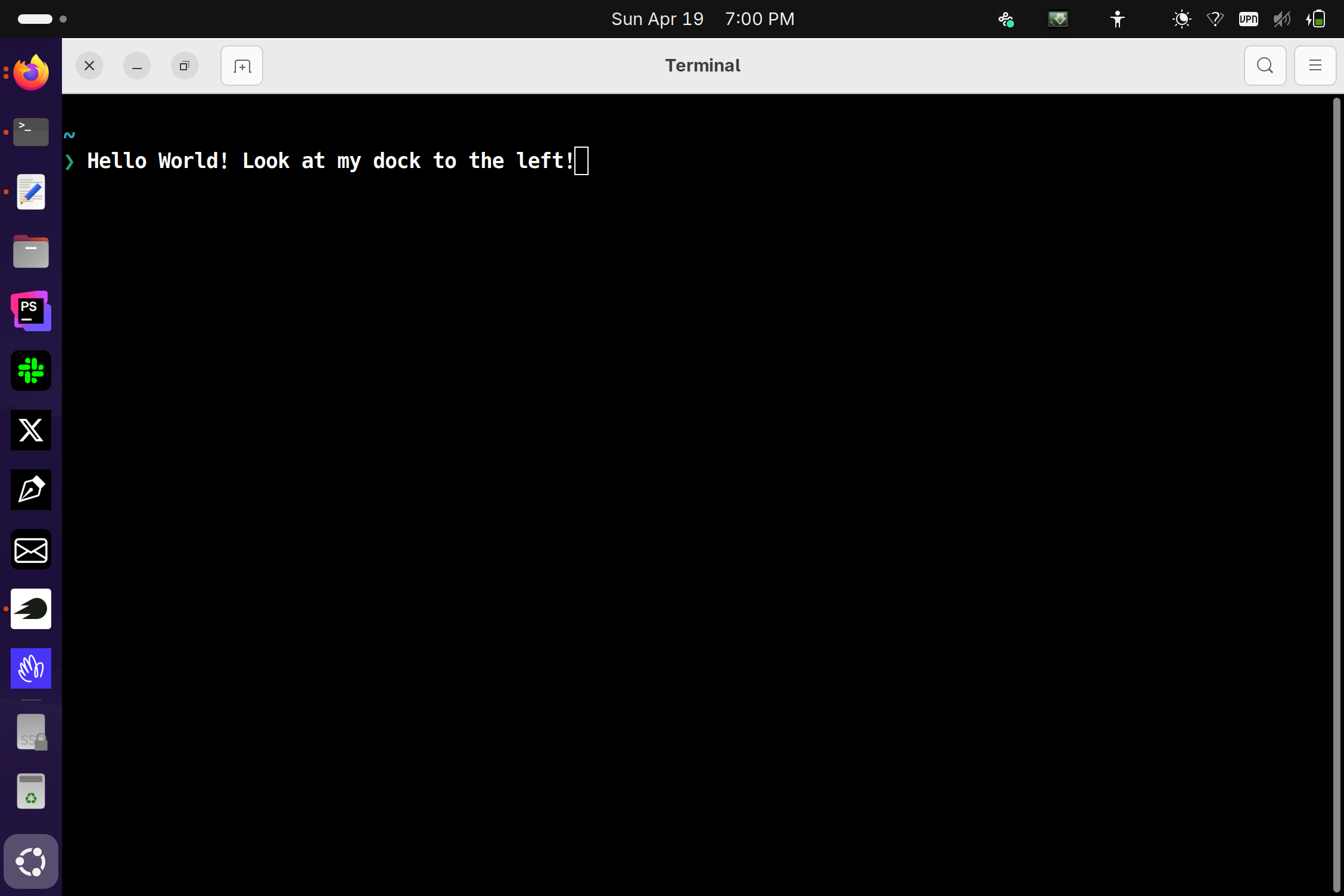
These days I run most of the web apps I use frequently as PWAs, pinned to the Ubuntu Dock alongside my native programs. I use the same shortcut keys on both Ubuntu and Omarchy, so switching between them is easy.
The image I included is my actual dock. I have the following PWA's installed: Hey.com, SEM Rush, gmail, a to-do app that I made, X, and Slack. About half of the apps installed on my dock are web apps.